Garage Web UI
Garage Web UI is a web interface for managing Garage buckets, access keys, admin tokens, and objects.
Screenshots
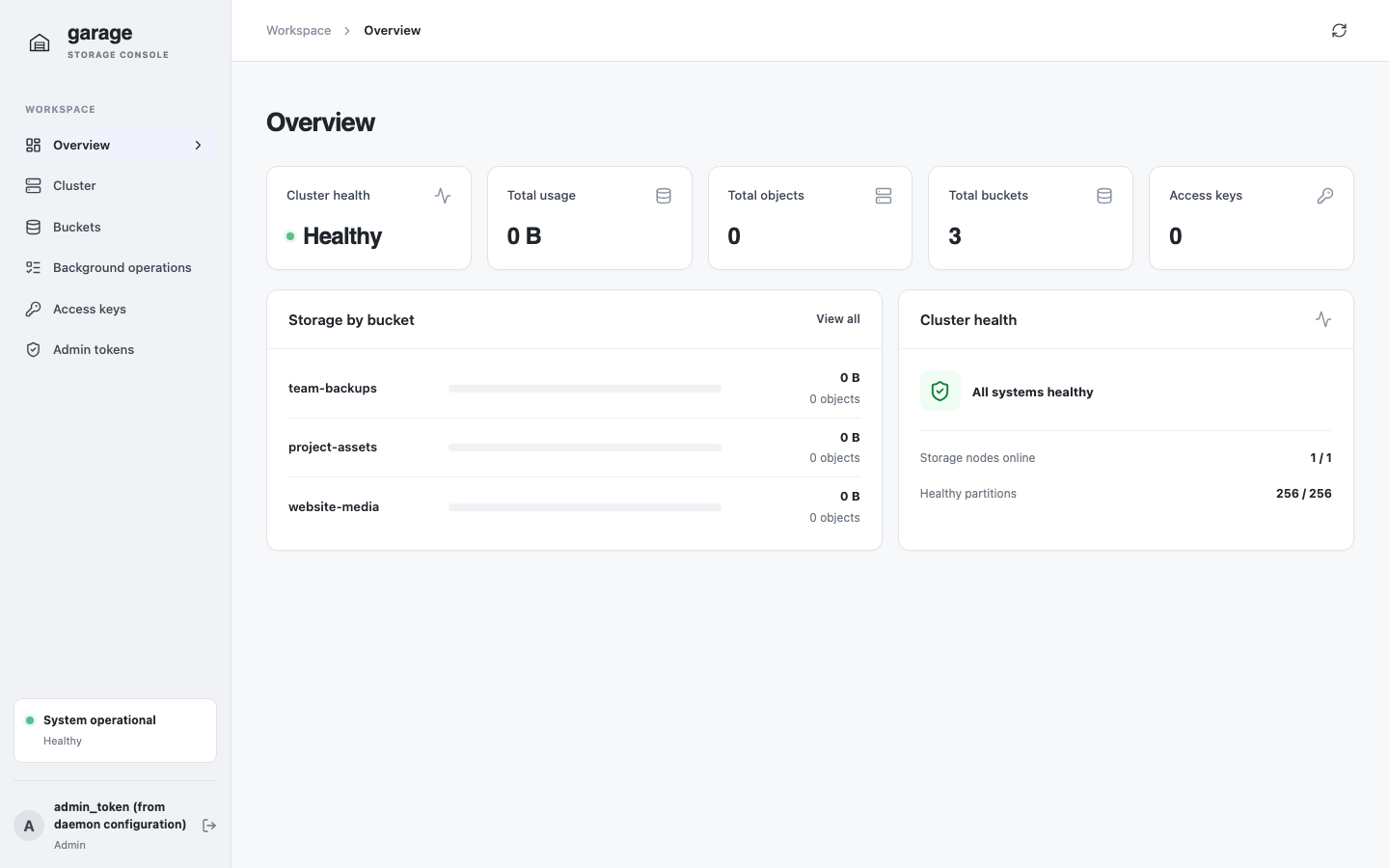
The overview brings cluster health and storage usage together.
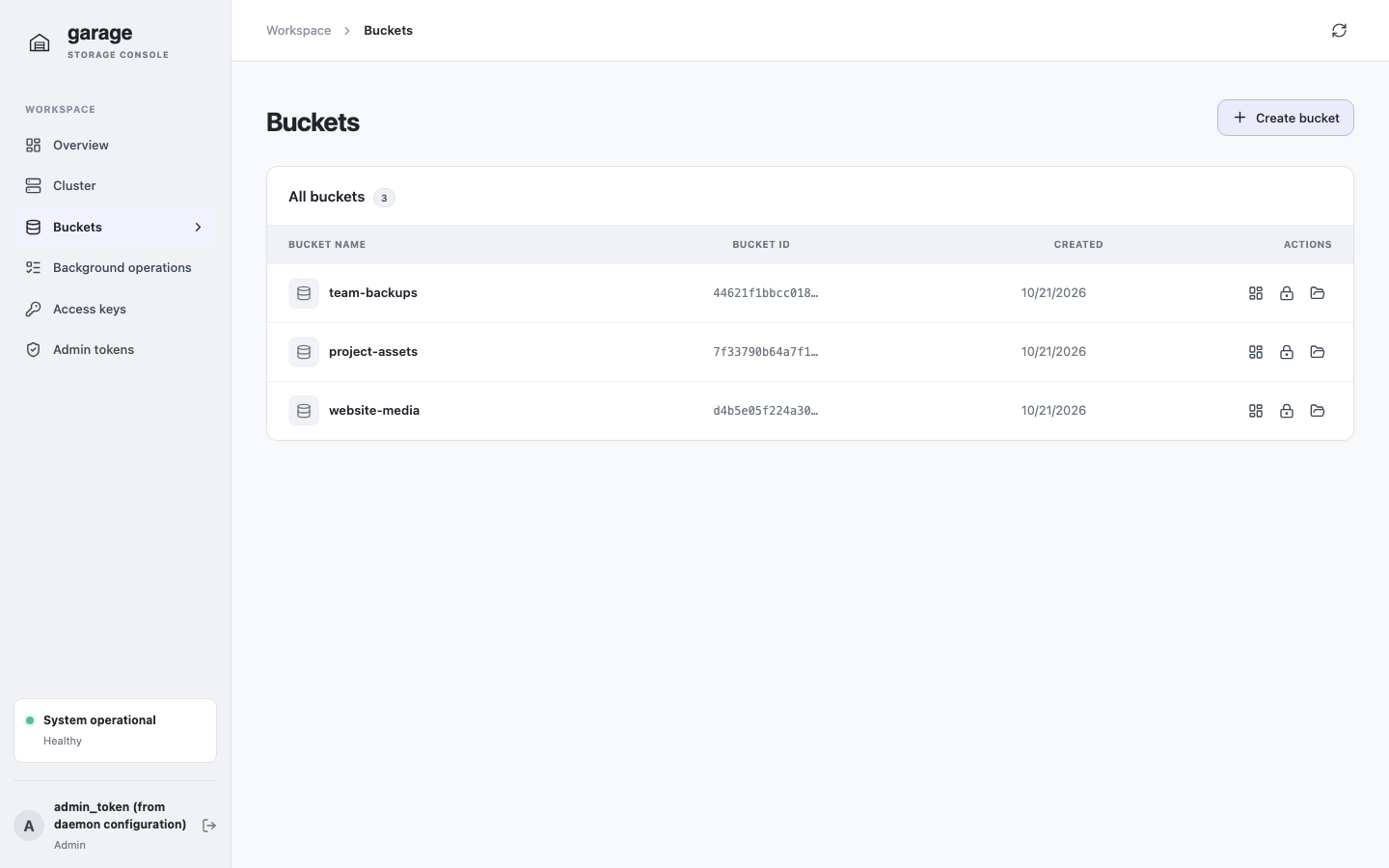
Manage buckets and their permissions from the bucket list.
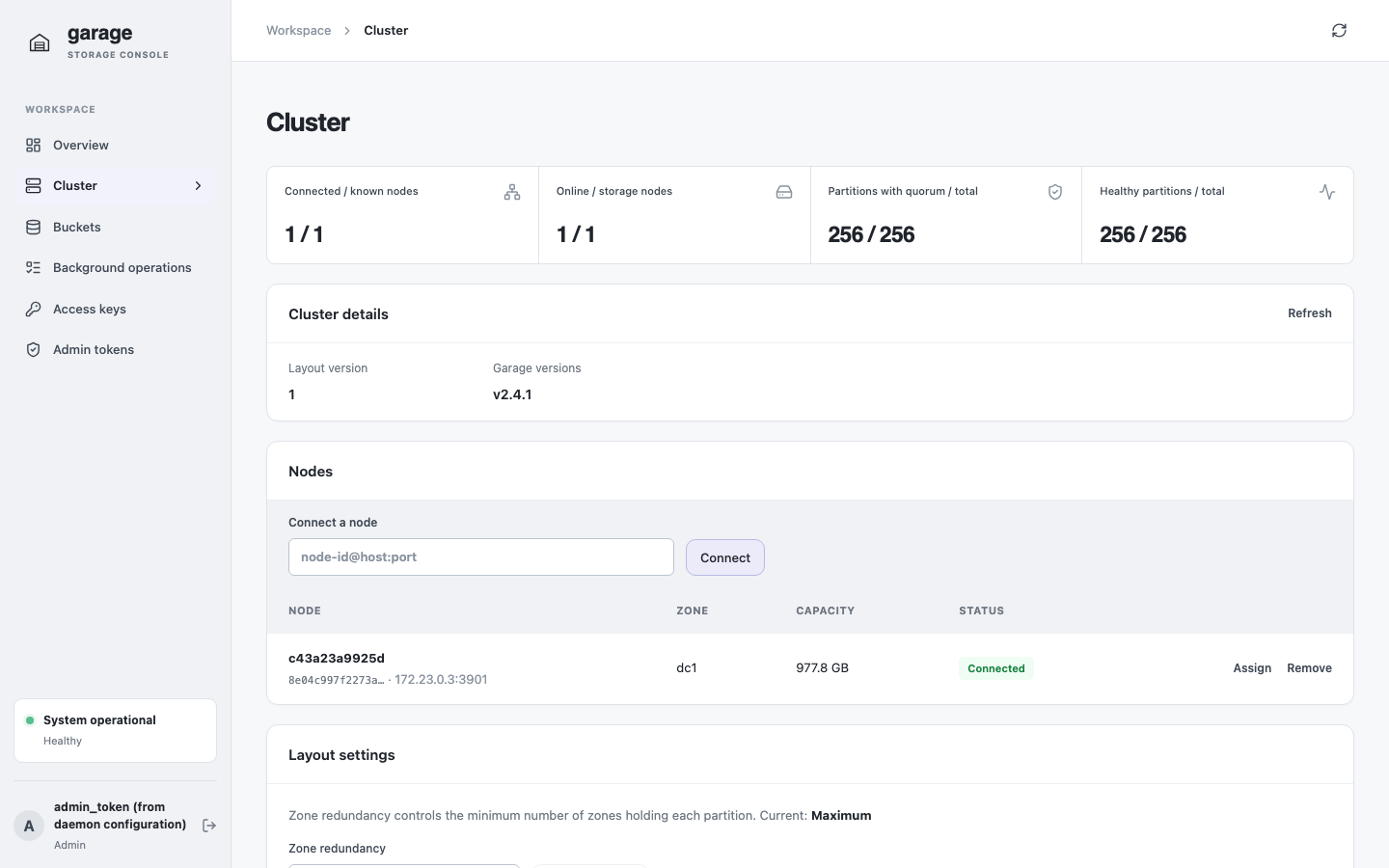
Inspect nodes and cluster layout settings on the cluster page.
Quick start
With Docker Compose, Go, and npm installed, run the local development stack from the repository root:
make run
Open http://localhost:8080 and sign in using admin token local-garage-admin-token. The development stack uses local-only credentials and is not a production deployment.
Documentation
- Configuration — flags, environment variables, authentication, and object uploads.
- Authentication — Garage admin tokens and bucket-scoped S3 credentials.
- Deployment — run the local stack and understand production prerequisites.
- Development — build, test, format, and work on this site.